Ask Reevo MCP Connectors: Notion, Linear, Pylon, and More
New MCP connectors let Ask Reevo pull context from the tools you already use and put it to work, all in the same conversation.


Your next sales call might depend on a support ticket, a product update, and a promise buried in a proposal.
Finding all three before the call? That’s its own calendar event.
New MCP connectors bring those details into reach. They connect Ask Reevo to Notion, Linear, PostHog, Pylon, and Google Drive, so it can retrieve information and take supported actions in the same conversation, with your approval for anything it creates, updates, or sends.
Here’s what you can do with each connector:
- Notion: Search company knowledge and create or update pages, databases, and comments.
- Linear: Find, create, and update issues, projects, and customer requests.
- PostHog: Answer questions about product usage, funnels, feature flags, experiments, and errors; read-only, so your flags stay put.
- Pylon: Pull support tickets and account context, then create or update issues.
- Google Drive: Find and read files, check sharing access, and create or copy documents.
Let’s go through each MCP connector a bit more.
Notion: Turn Knowledge Into Working Context
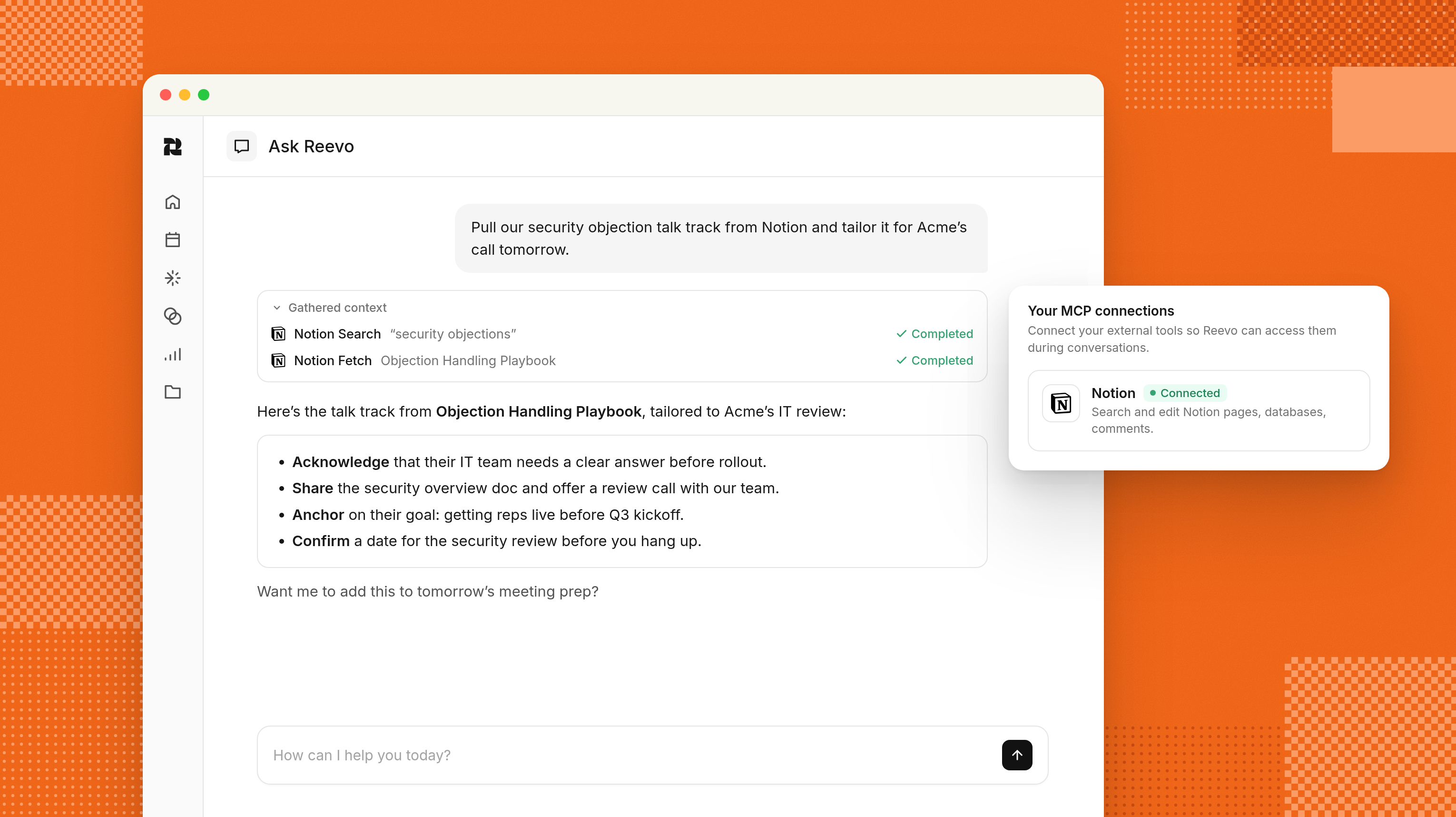
Account plans, deal rooms, pricing notes, customer research, and strategy docs often live in Notion.
Useful? Of course. Useful when a rep can’t find the right page minutes before a call? Less so.
With the Notion connector, Ask Reevo searches pages and databases, reads documents and comments, and creates or updates content with your approval. Ask it to find an account plan and summarize its risks, create a deal room page from discovery notes, or update a deal tracker.
Knowledge stops being something your team has to remember exists. Now, it becomes context Reevo can use.
Linear: Carry Customer Commitments Into Product Work
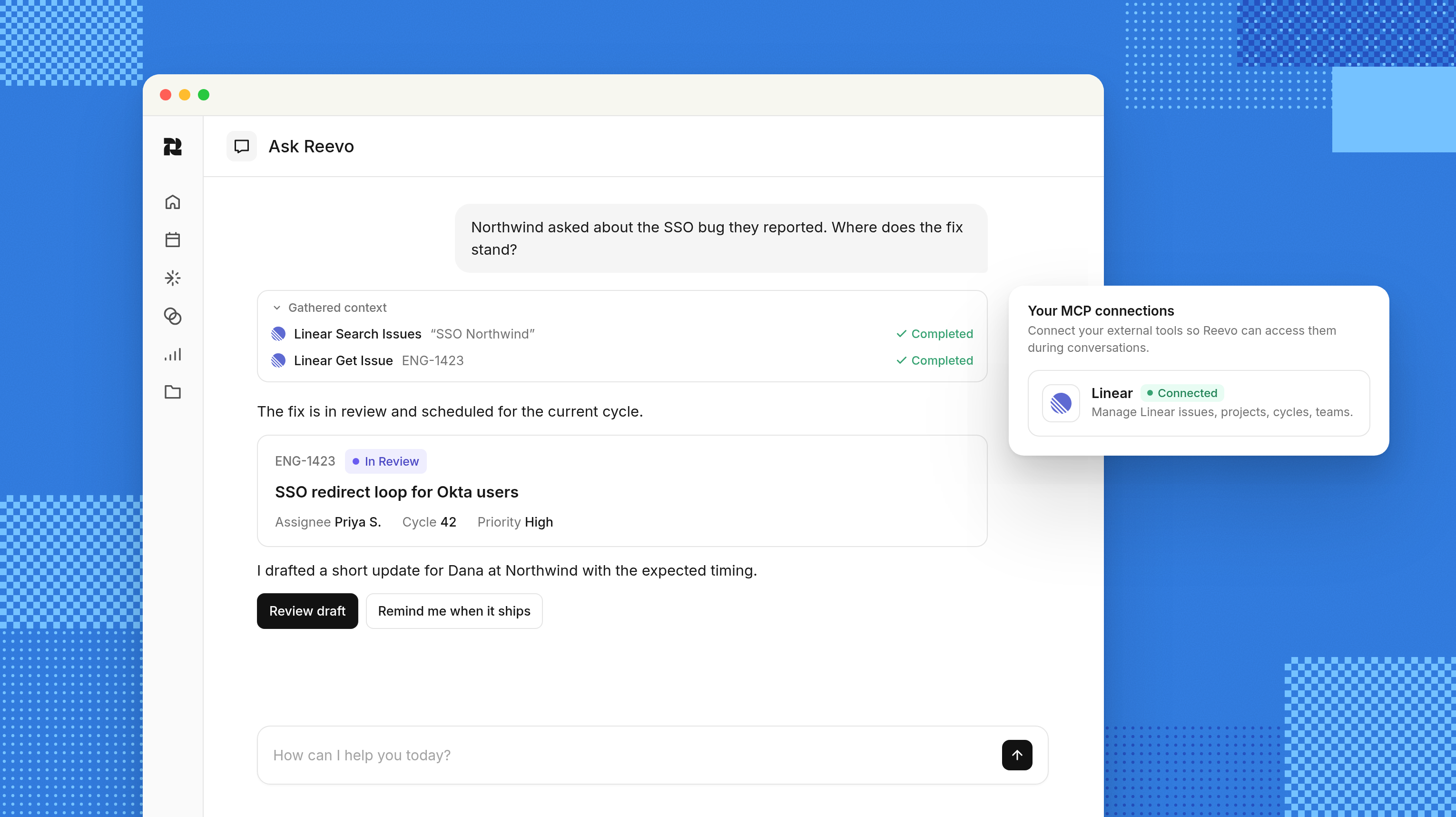
Customer requests have a bad habit of evaporating somewhere between the sales call and the engineering backlog.
The Linear connector closes that gap. Ask Reevo can find issues, projects, roadmaps, and customer requests, then create or update them after you approve. A rep can turn a bug mentioned on a call into a detailed Linear issue or check whether a promised feature is planned for the current cycle.
The customer gets a clearer answer, product gets the actual request, and no one has to translate “I think they said…” a few days later.
PostHog: Add Product Usage to the Deal Story
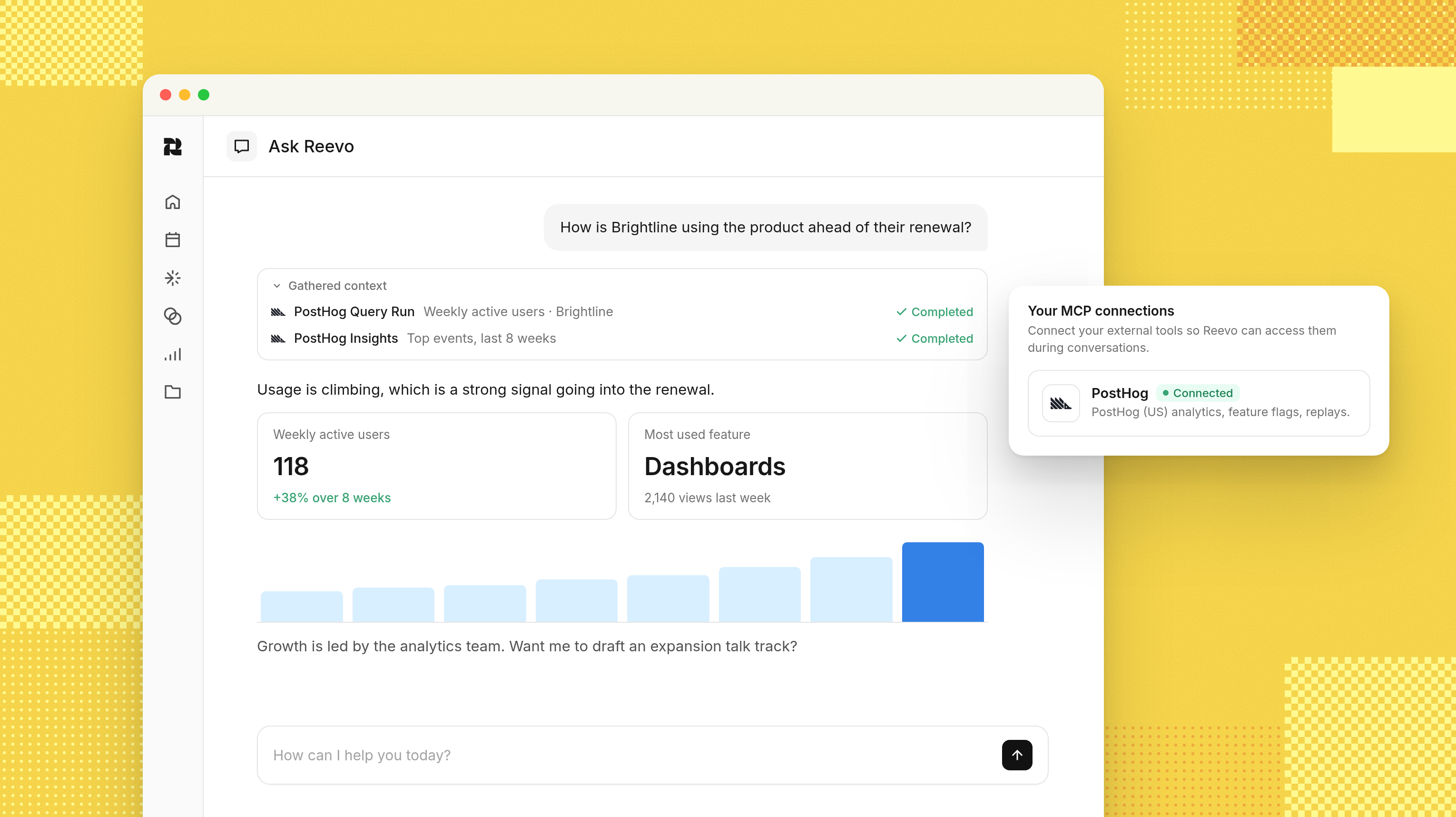
Product usage is more than product data. It’s sales context.
The PostHog connector lets Ask Reevo answer questions about trends, funnels, retention, feature flags, experiments, and errors. Before a renewal call, a seller can check adoption, see where users are dropping off, or confirm whether a feature is available to that account.
The connection is read-only by design and currently supports PostHog Cloud US. Ask Reevo can’t change flags, experiments, dashboards, or anything else in PostHog. It can simply tell your team what’s actually happening inside the product, often before the customer tells you.
Pylon: Bring Support Reality Into Every Deal
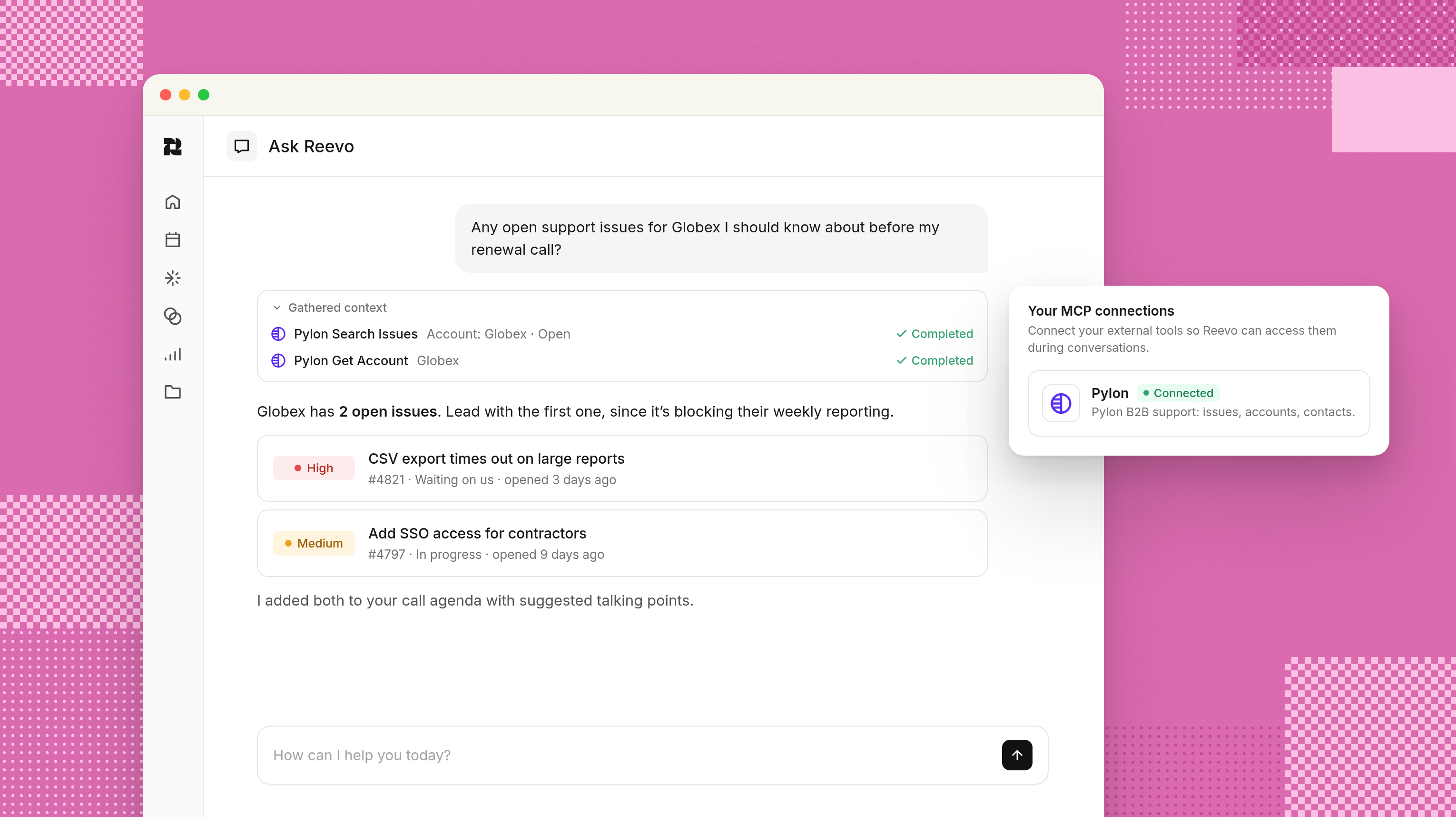
A renewal can look healthy in the CRM while the support queue is quietly on fire.
With the Pylon connector, Ask Reevo can pull open support issues for an account, read full ticket threads, and find customer or ownership details. It can also create and update issues with approval.
Ask “What’s blocking this renewal?” and Reevo can ground the answer in what the customer has actually reported, not just the last optimistic pipeline update.
Sellers see risk sooner, support context reaches the right people, and customer frustration is less likely to come as a surprise.
Google Drive: Put Documents Within Reach
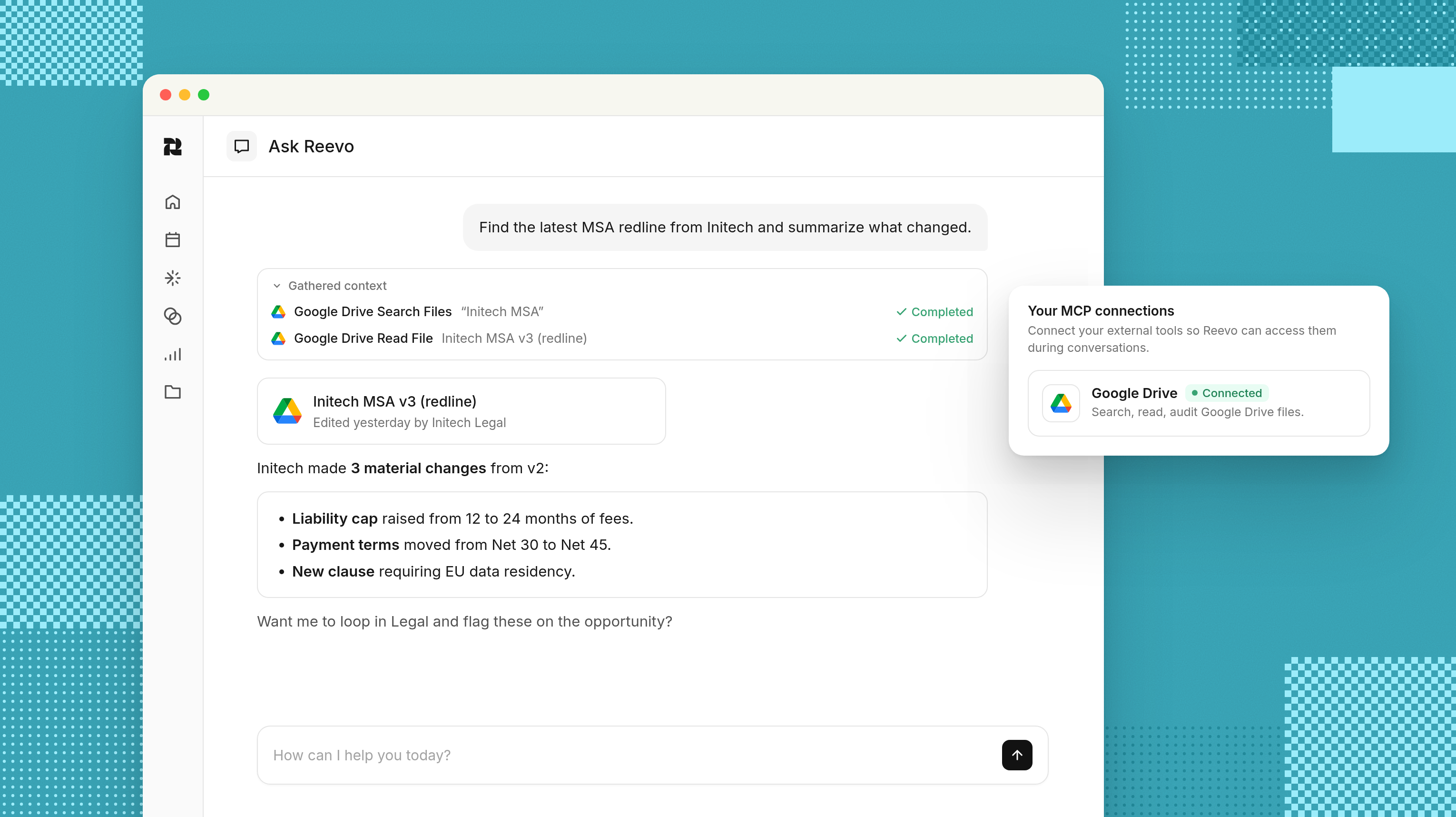
Contracts, proposals, pricing spreadsheets, security reviews: the files that decide deals tend to be scattered between My Drive, Shared with me, and a folder called “Final_v7_REAL.”
The Google Drive connector lets Ask Reevo search and read Docs, Sheets, Slides, PDFs, and other text-based files your account can access. It can inspect sharing details, create new files, and copy existing ones with your approval.
Ask Reevo can pull open commitments from a proposal, find the latest pricing sheet, or create a discovery-call summary in Drive. The document stops being a static attachment and becomes another piece of the deal’s usable context.
More Context Makes Every Answer & Action Better
Ask Reevo can check a renewal blocker in Pylon, find the related Linear issue, and review adoption in PostHog. Then it can pull the latest proposal from Google Drive and update the account plan in Notion with your approval.
You head into the renewal knowing what’s unresolved, what the customer was promised, and who needs to weigh in. That's less time assembling the story yourself, and more time deciding what to do next.
Use this guide to get started with MCP connectors, or take our product tour if you’re new to Reevo.
Frequently Asked Questions: Ask Reevo & MCP Connectors
A force multiplier for sales teams.
Get startedKey takeaways
- Ask Reevo MCP connectors bring in context from Notion, Linear, PostHog, Pylon, and Google Drive.
- Sellers can uncover deal risks, check product usage, and find customer commitments without switching tabs.
- Actions require your approval, connectors respect account permissions, and PostHog access is read-only.
On this page
Get our newsletter, The GTM Source


