Find prospects on LinkedIn. Work them in Reevo.
Copy, paste, tab, paste, typo. Or just click once. Reevo floats right on the LinkedIn profile, so prospects land in your CRM with their email, phone, and first touch before you’ve finished reading their About section.
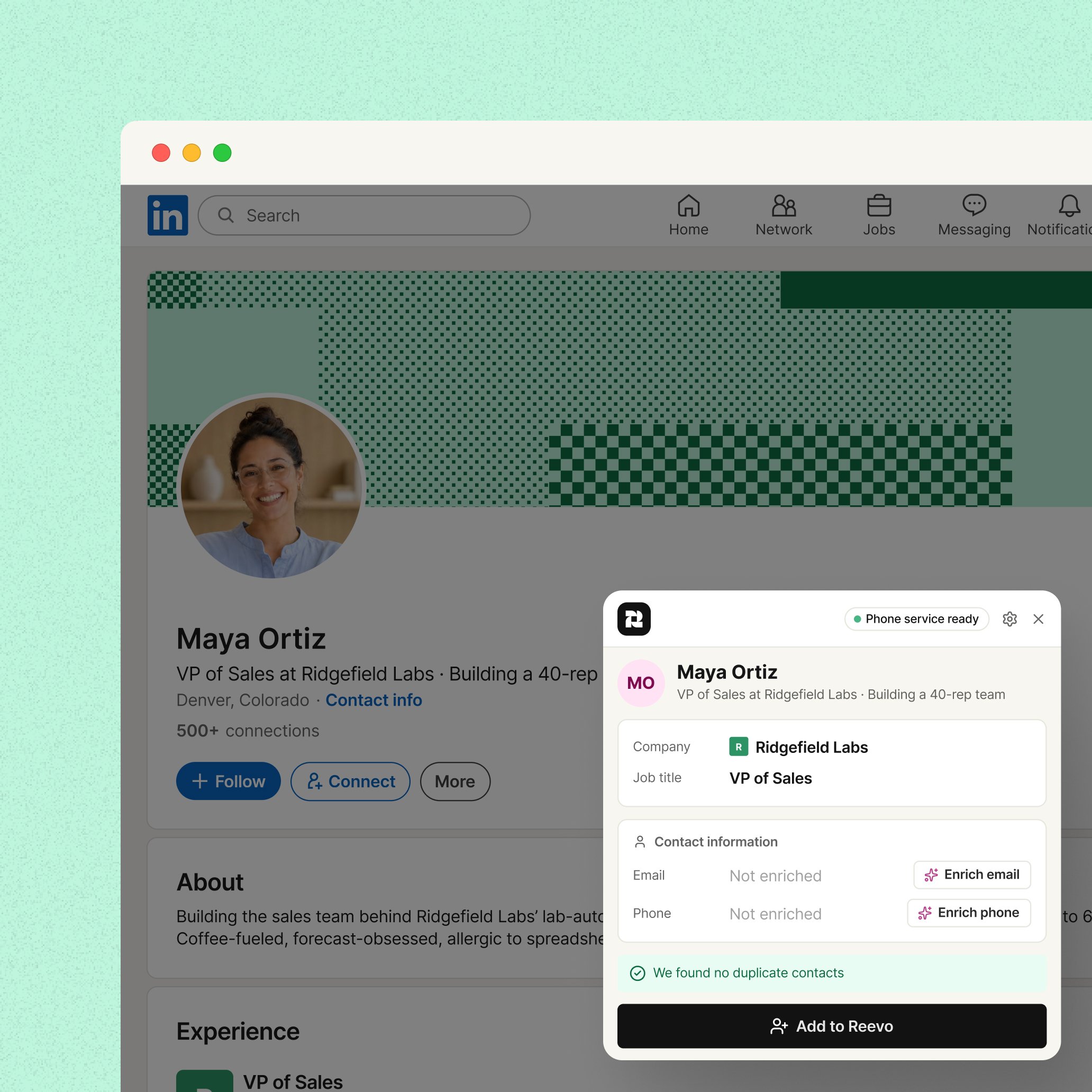
Know who they are before they know you.
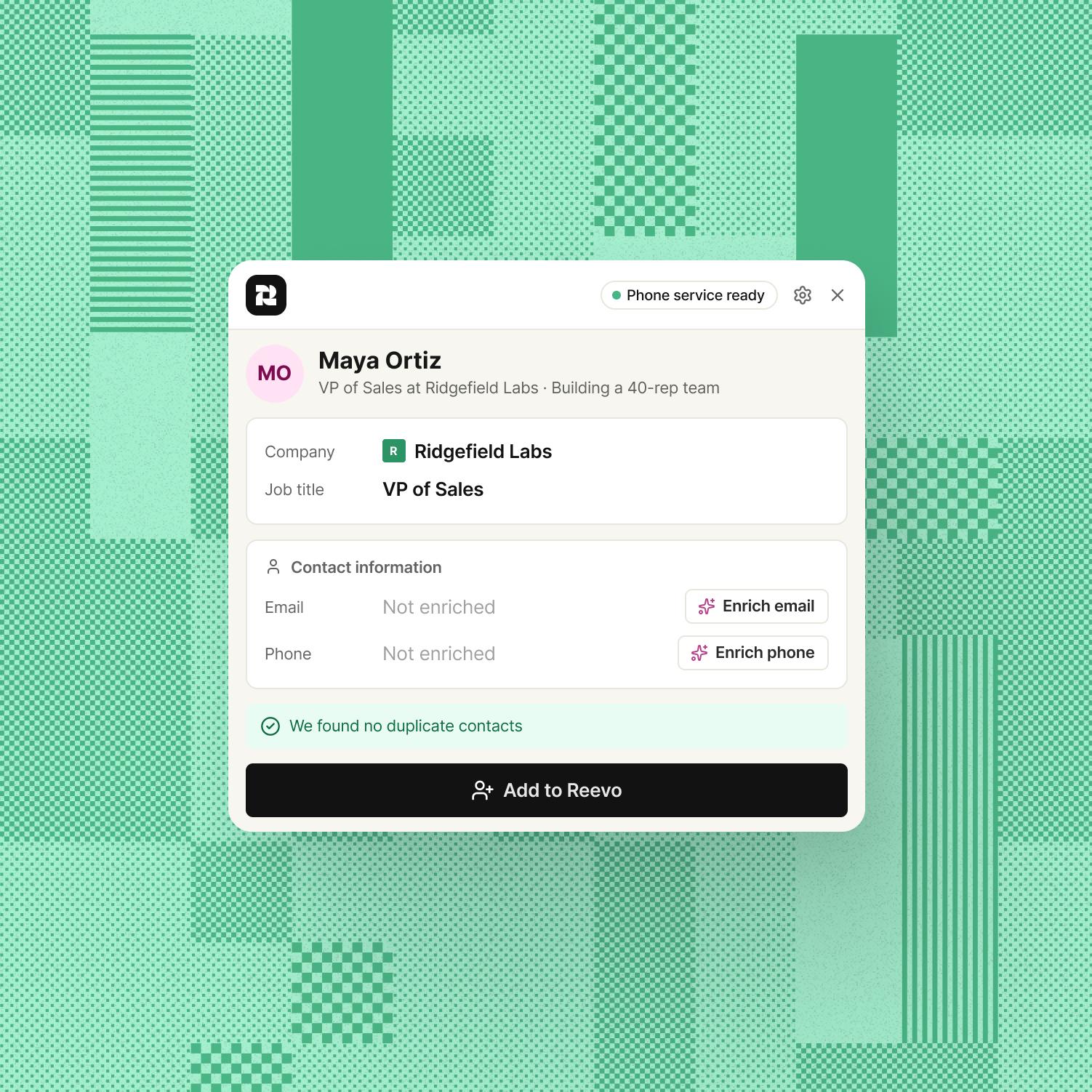
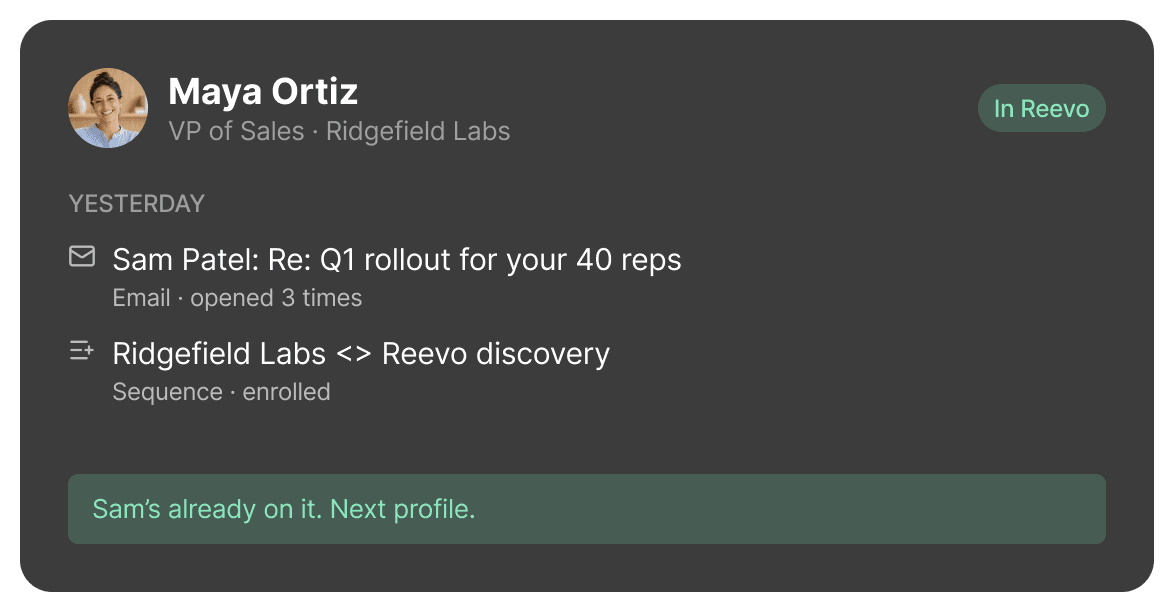
Open a profile and Reevo checks it against your CRM first, so you never cold-pitch someone your teammate emailed yesterday.
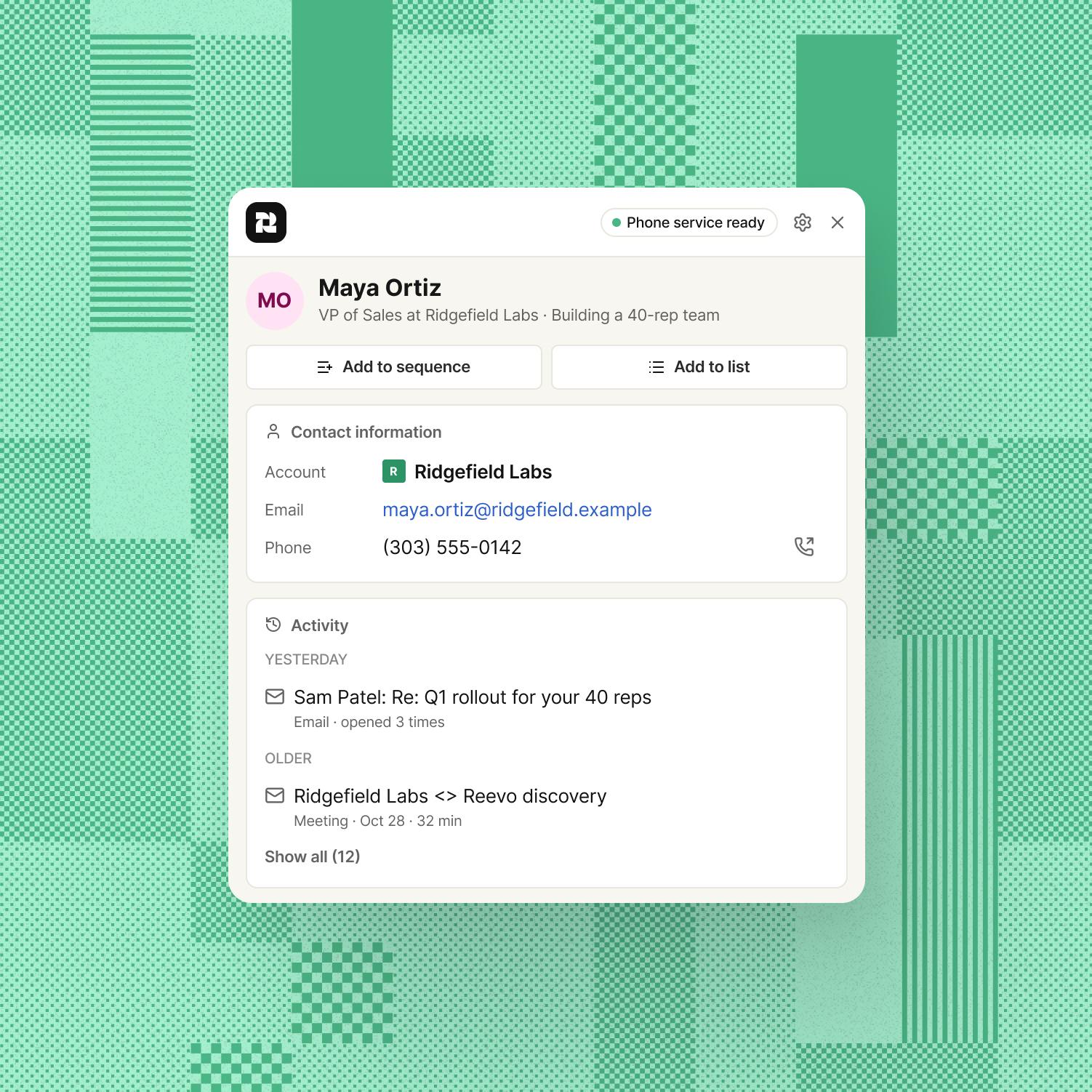
Get the email. Get the number. Skip the guessing.
Fill in contact details for the person on the screen, without opening yet another tab.
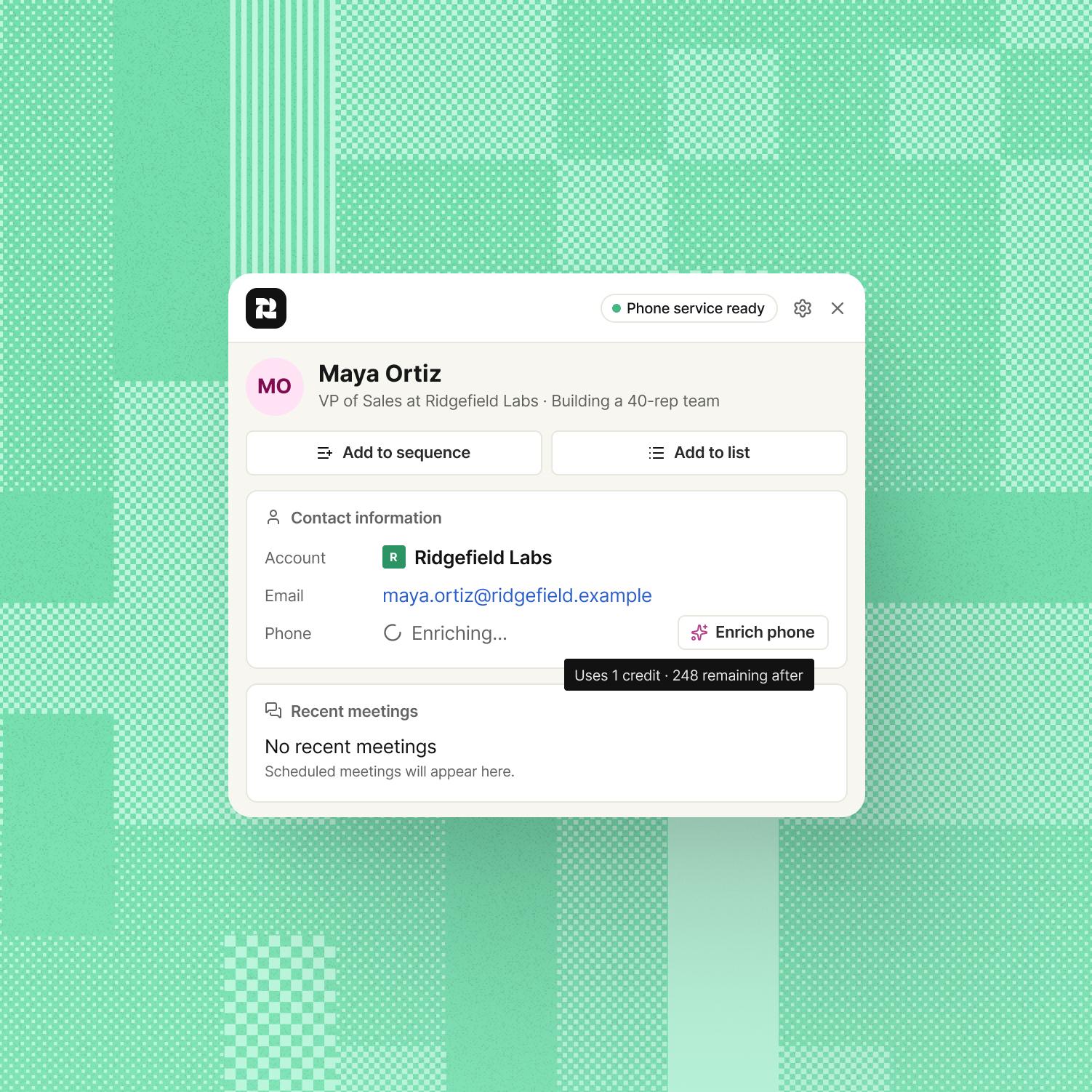
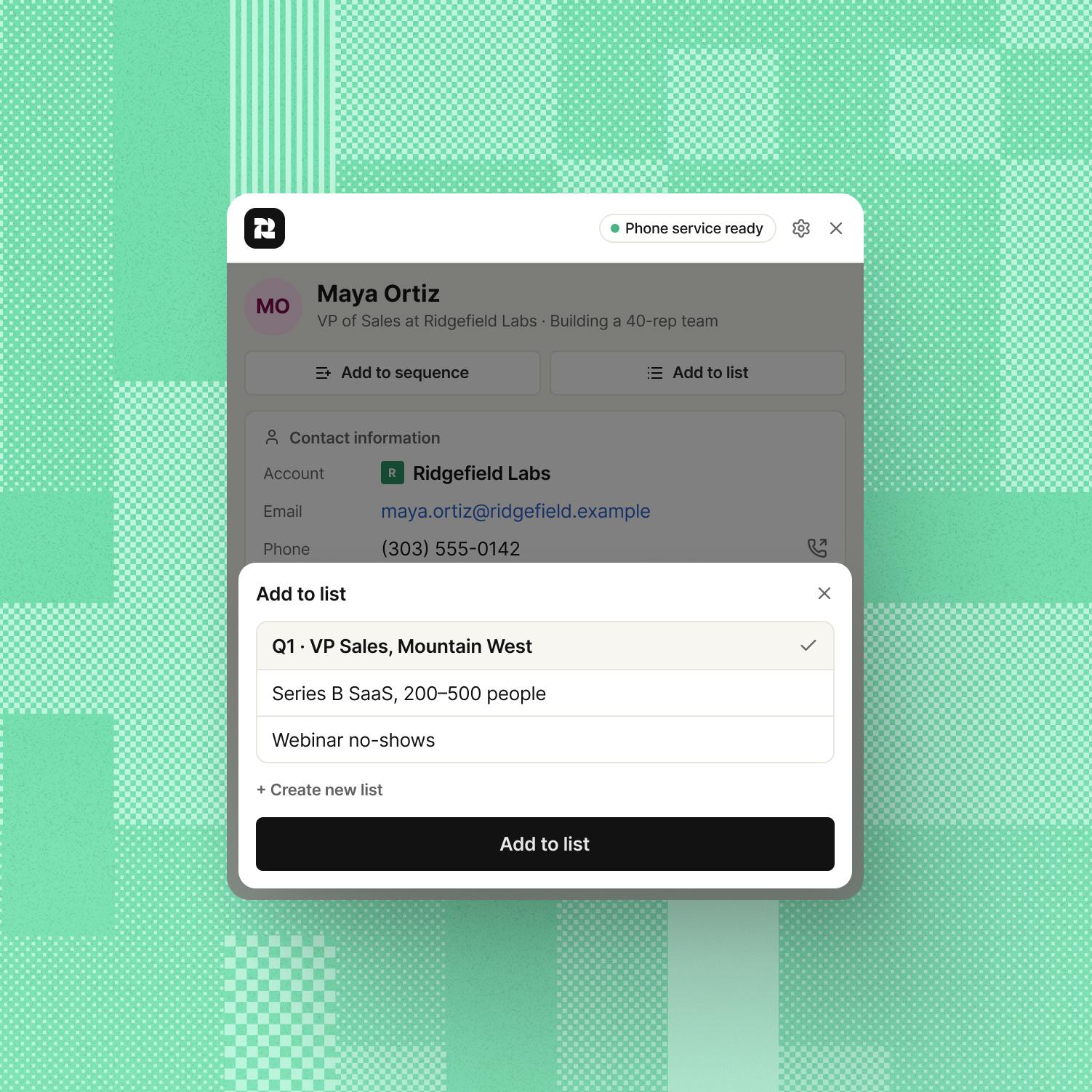
Make the first move from the same tab.
Go from “huh, they look perfect” to a call, an email, or a sequence before the moment passes.
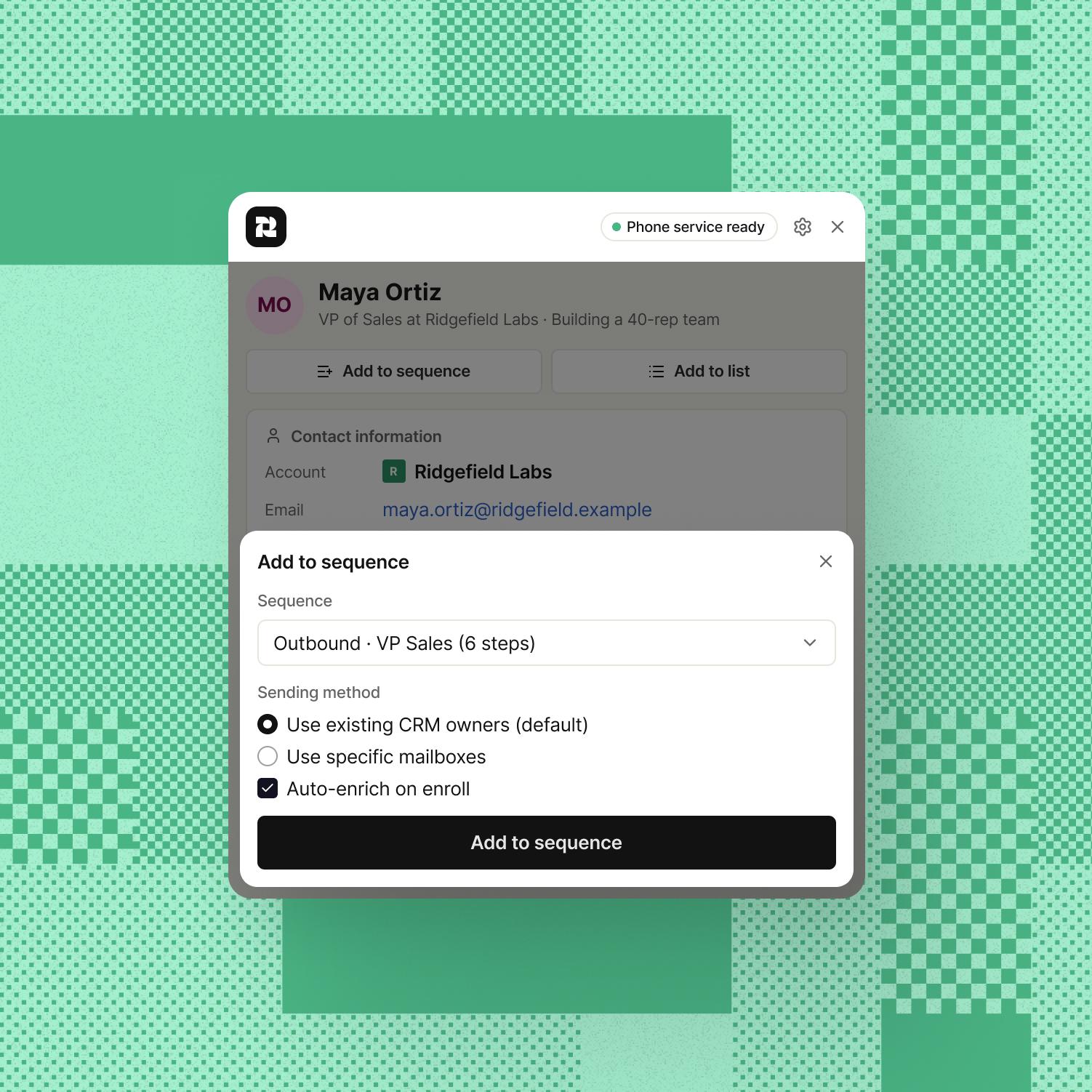
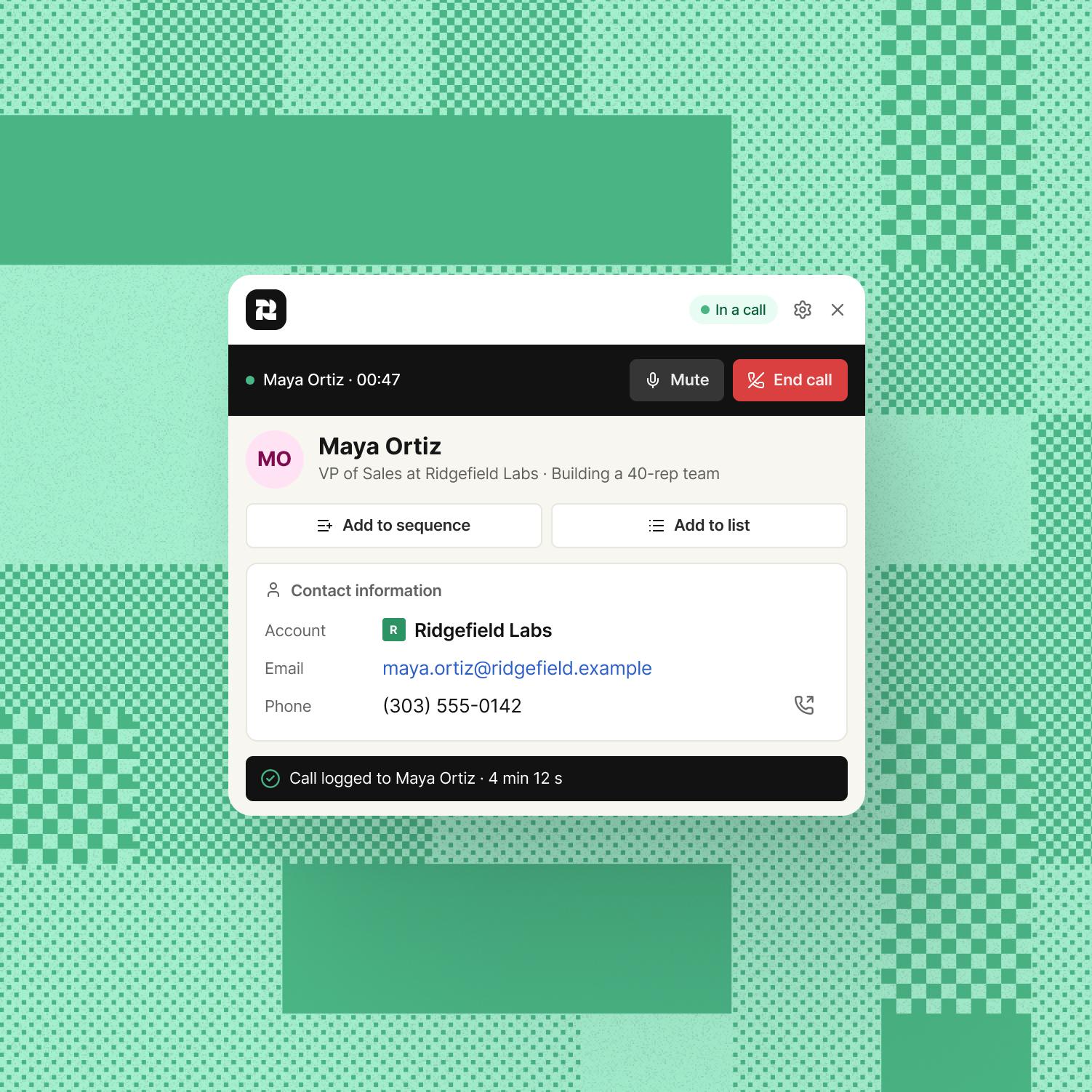
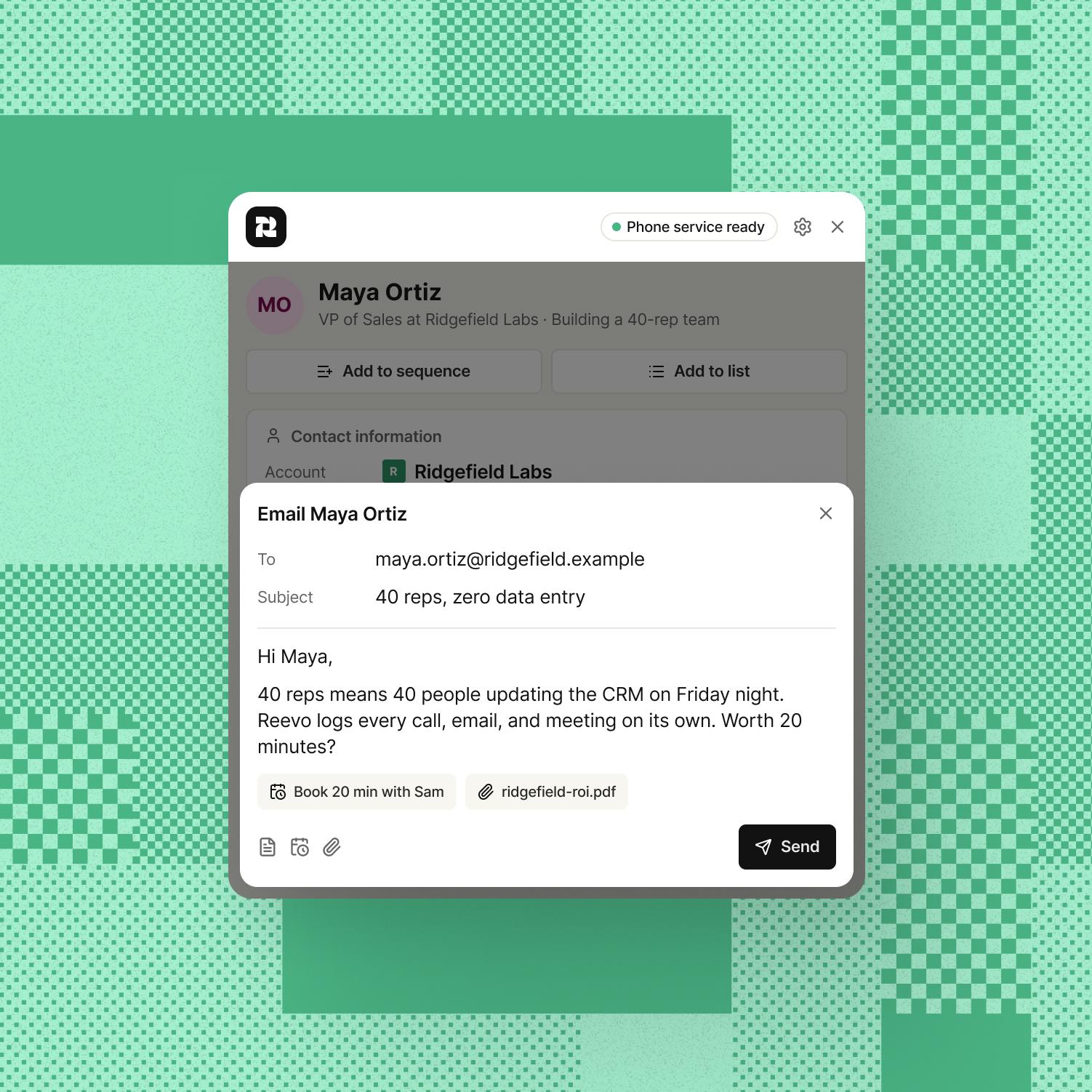
One prospecting block. Zero “I’ll log it later.”
Every profile you touch lands in Reevo with its account, so the hour you spend on LinkedIn shows up in your pipeline, not in a spreadsheet you swear you’ll import later.
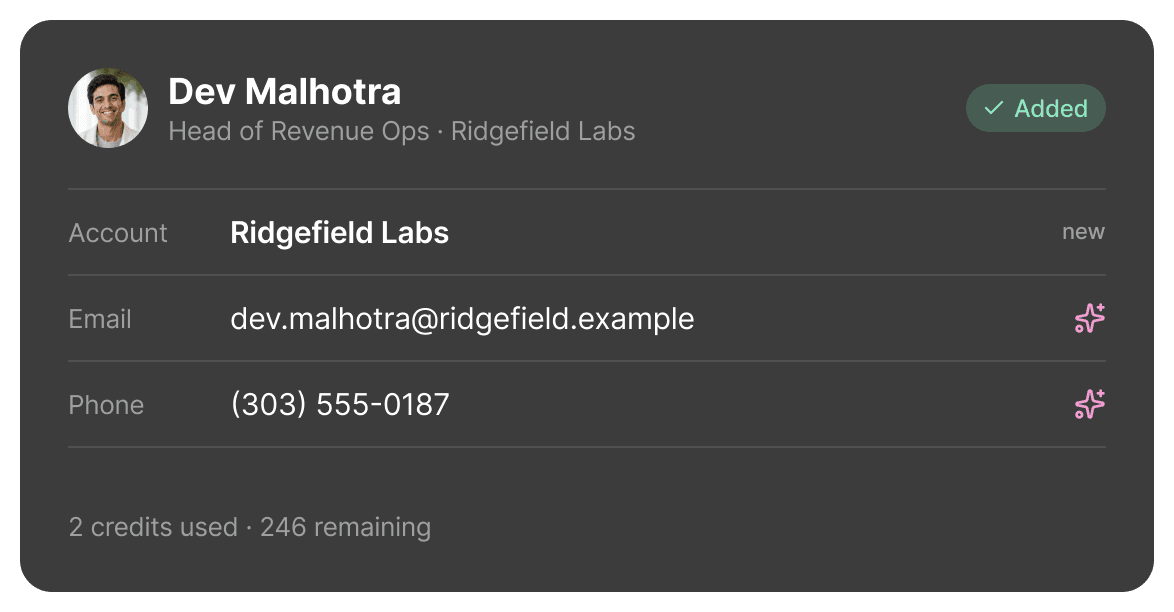
Dev runs Revenue Ops at Ridgefield Labs and isn’t in Reevo yet. One click adds Dev and the account. Two more find the email and phone.
Maya is already in Reevo, and the activity says Sam emailed yesterday. You leave this one to Sam and keep moving.
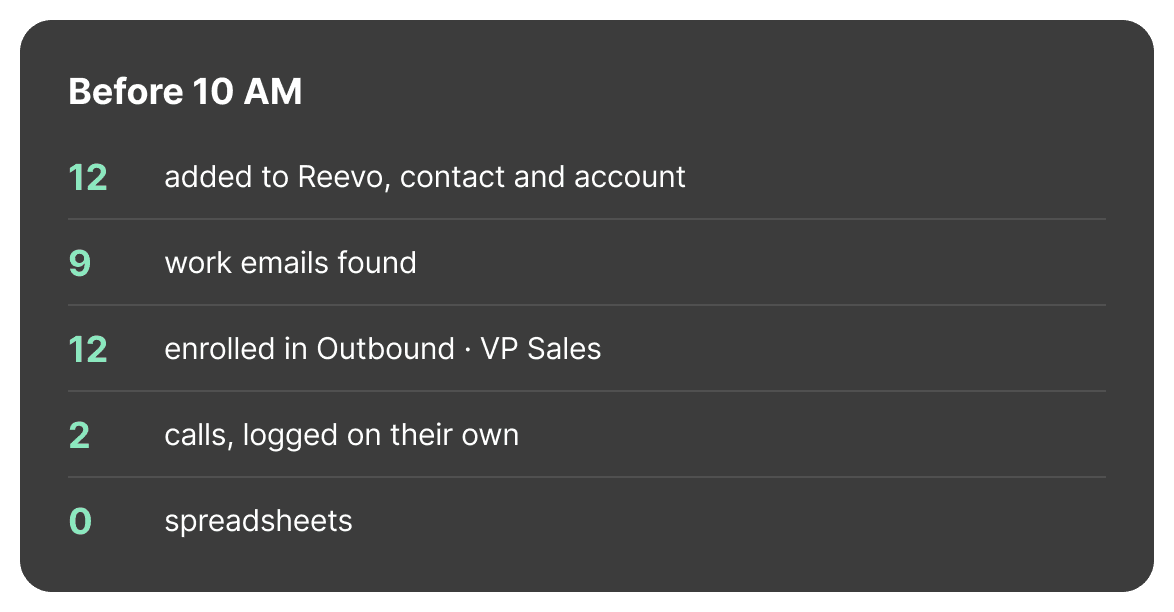
Twelve new contacts on your list and in a sequence, two calls already in their activity. Nothing to clean up after lunch.
Frequently asked questions
Yes. The Reevo Chrome extension puts a Reevo panel right on LinkedIn profiles, so you can see whether someone is already in Reevo, add them, enrich their email and phone, add them to lists and sequences, and call or email them without leaving the page.
Add it from the Chrome Web Store, pin it to your toolbar, and sign in with your Reevo account. Open a LinkedIn profile and click the Reevo icon to bring up the panel, or turn on “Auto-show on LinkedIn profiles” in the extension’s settings to have it appear on its own.
Their account, email, and phone, the sequences they’re in, their recent meetings, and their activity (emails, calls, meetings, tasks, and notes) grouped by Today, Yesterday, and Older. From there you can add them to a sequence or a list in one click.
Before you add anyone, Reevo checks for existing contacts that match on name, email, or phone and tells you what it found. When you add a contact, Reevo links it to their company’s account, using the existing account when there is one.
Click “Enrich email” or “Enrich phone” on the contact. Each lookup uses one credit from your Reevo workspace, and the panel shows how many credits you’ll have left before you spend one.
Yes. Once your Reevo phone is set up, click a contact’s number to call them, with mute and hang-up right in the panel. Click their email to write a message with your templates, a scheduling link, and attachments.
No. The extension works with the LinkedIn session that’s already open in your browser. You never enter your LinkedIn password into Reevo.
Yes. The Chrome extension is included with a Reevo account at no extra cost. Enrichment uses your workspace’s credits, the same as it does in the web app.
Stop copy-pasting people.
Add the extension, open a LinkedIn profile, and click once. That’s the whole workflow.