Walk in prepared. Walk out with momentum.
Prep with the whole deal in front of you, and sell with confidence. Record any call and leave with the summary and follow-up already on the deal. No bot notetakers or separate notes app.
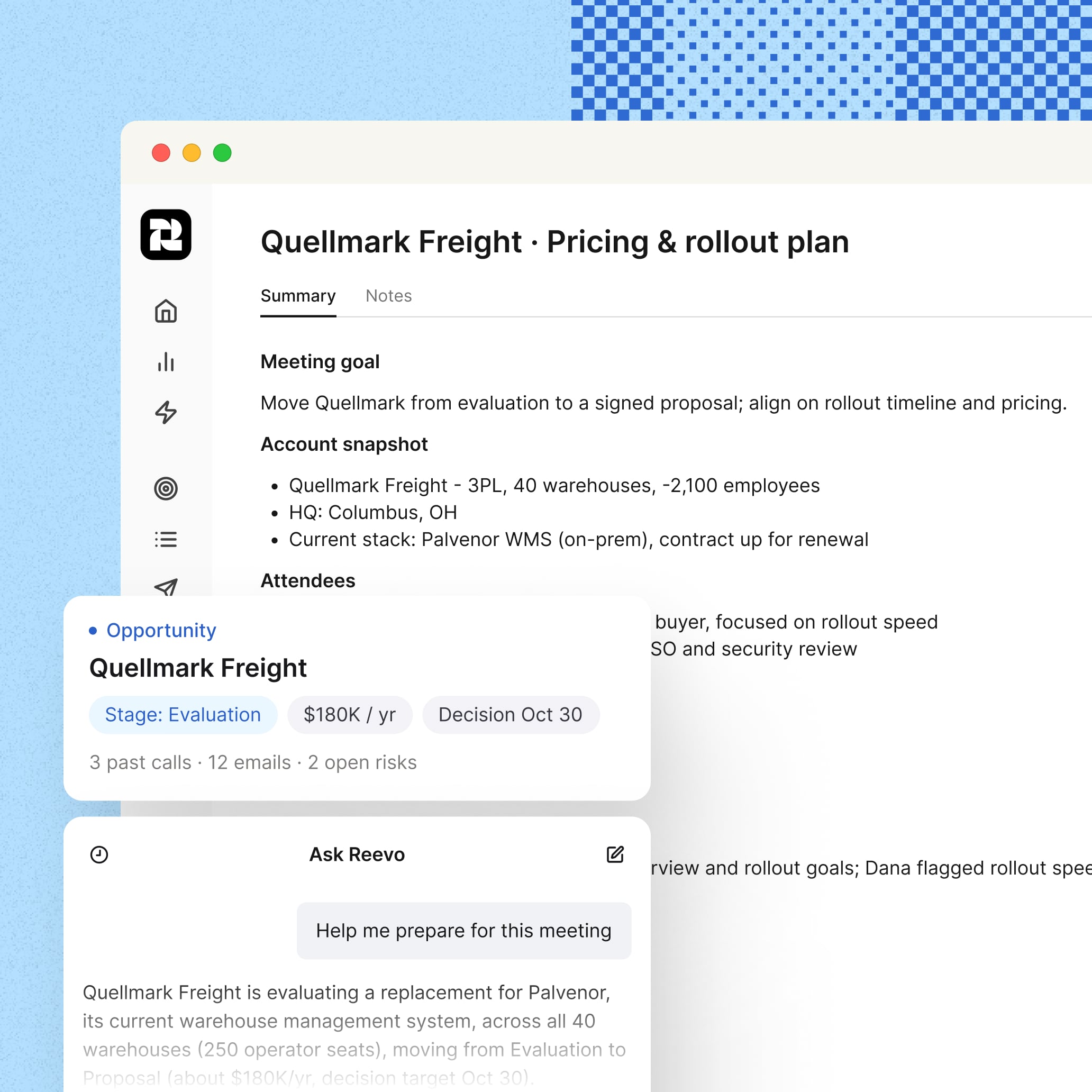
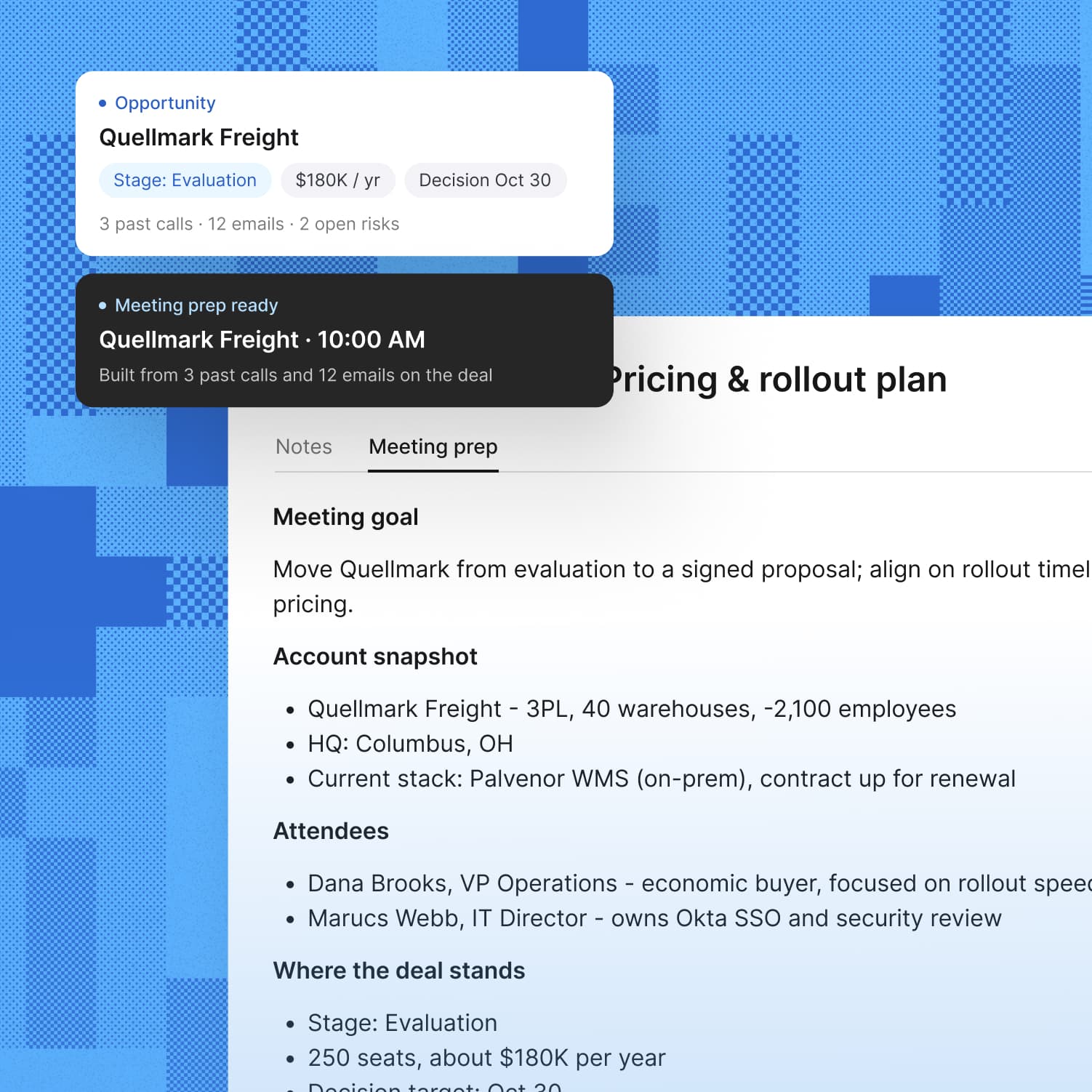
Know the deal before you join.
Prep from everything already on the deal, so the first 5 minutes of the call aren't spent catching up.
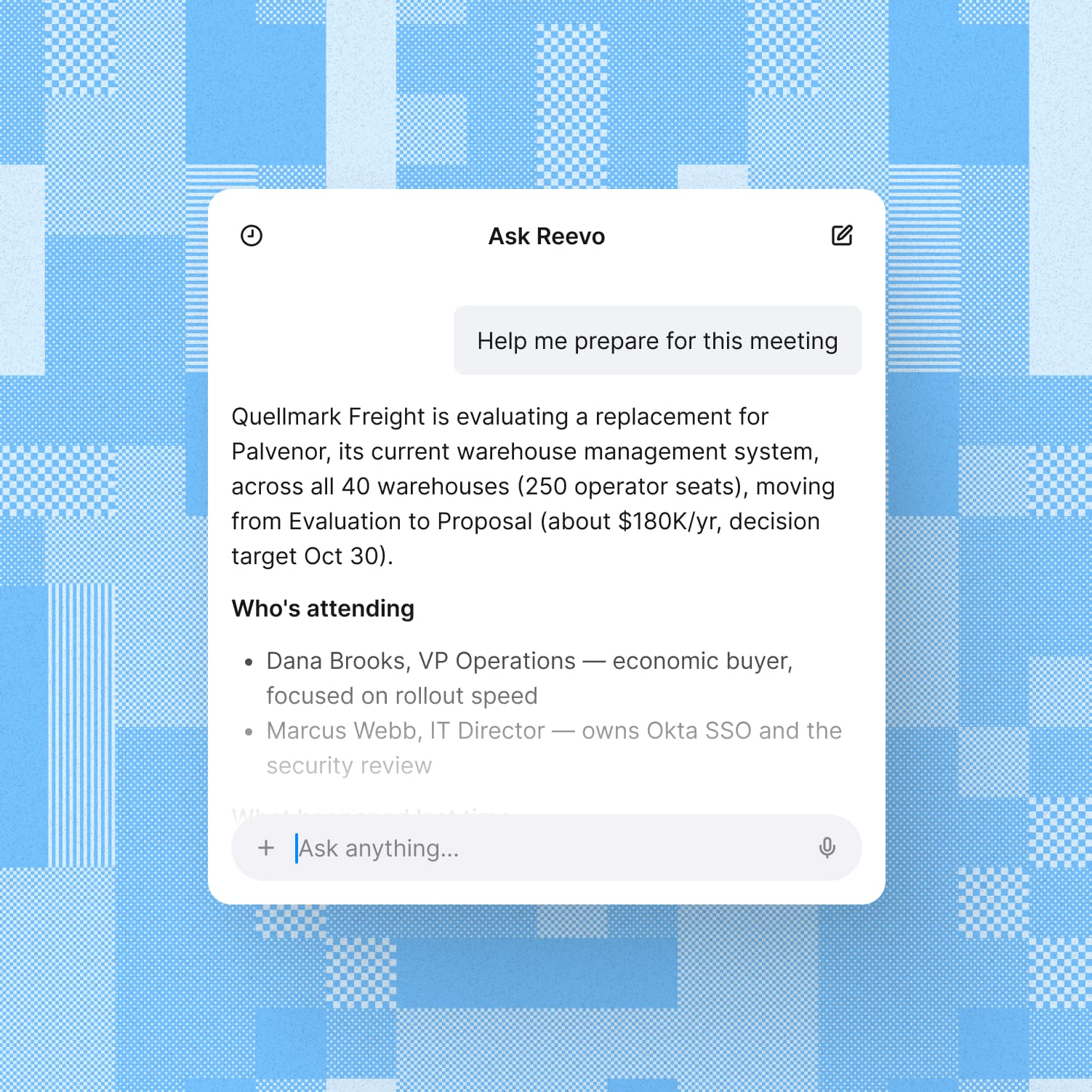
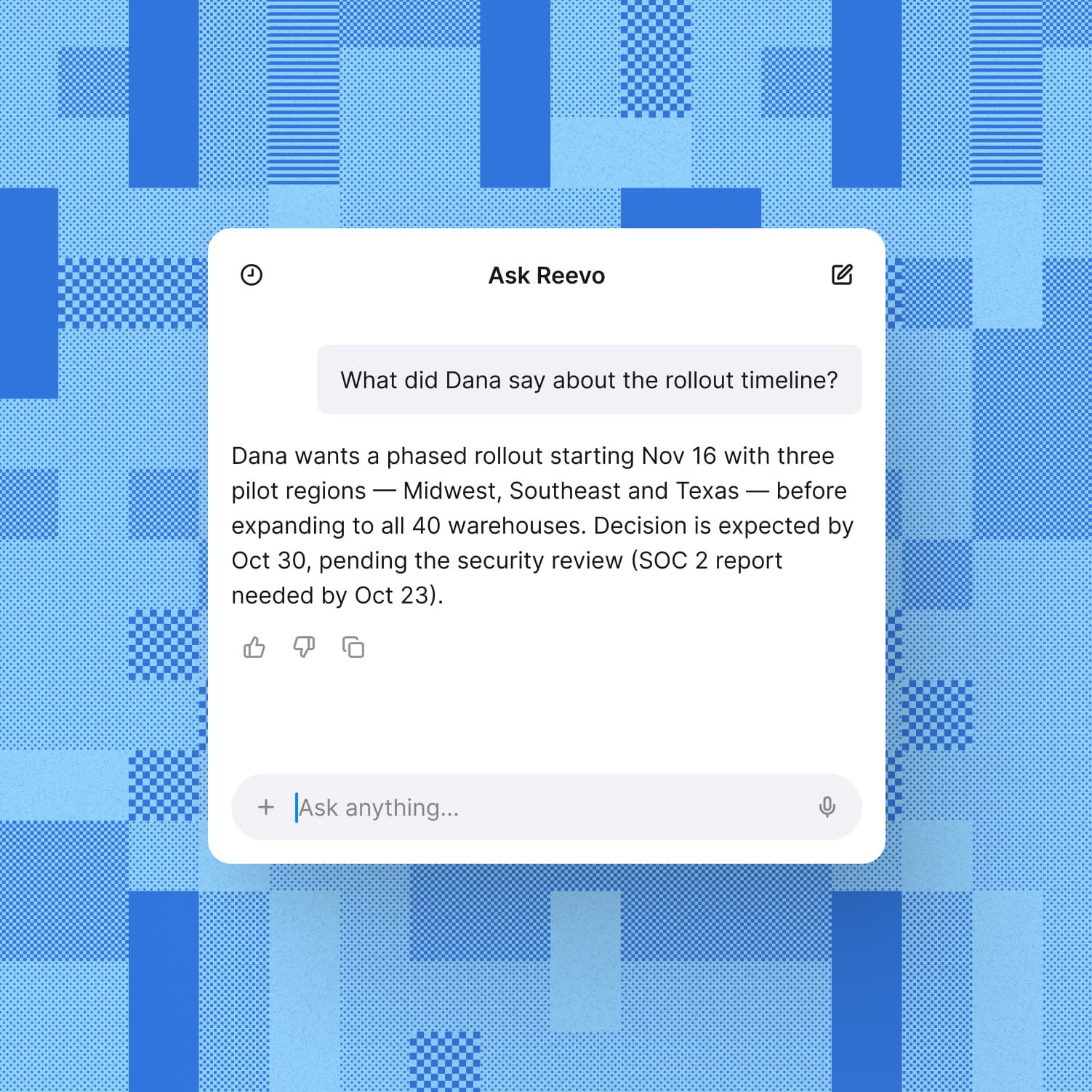
Ask what was said, mid-meeting.
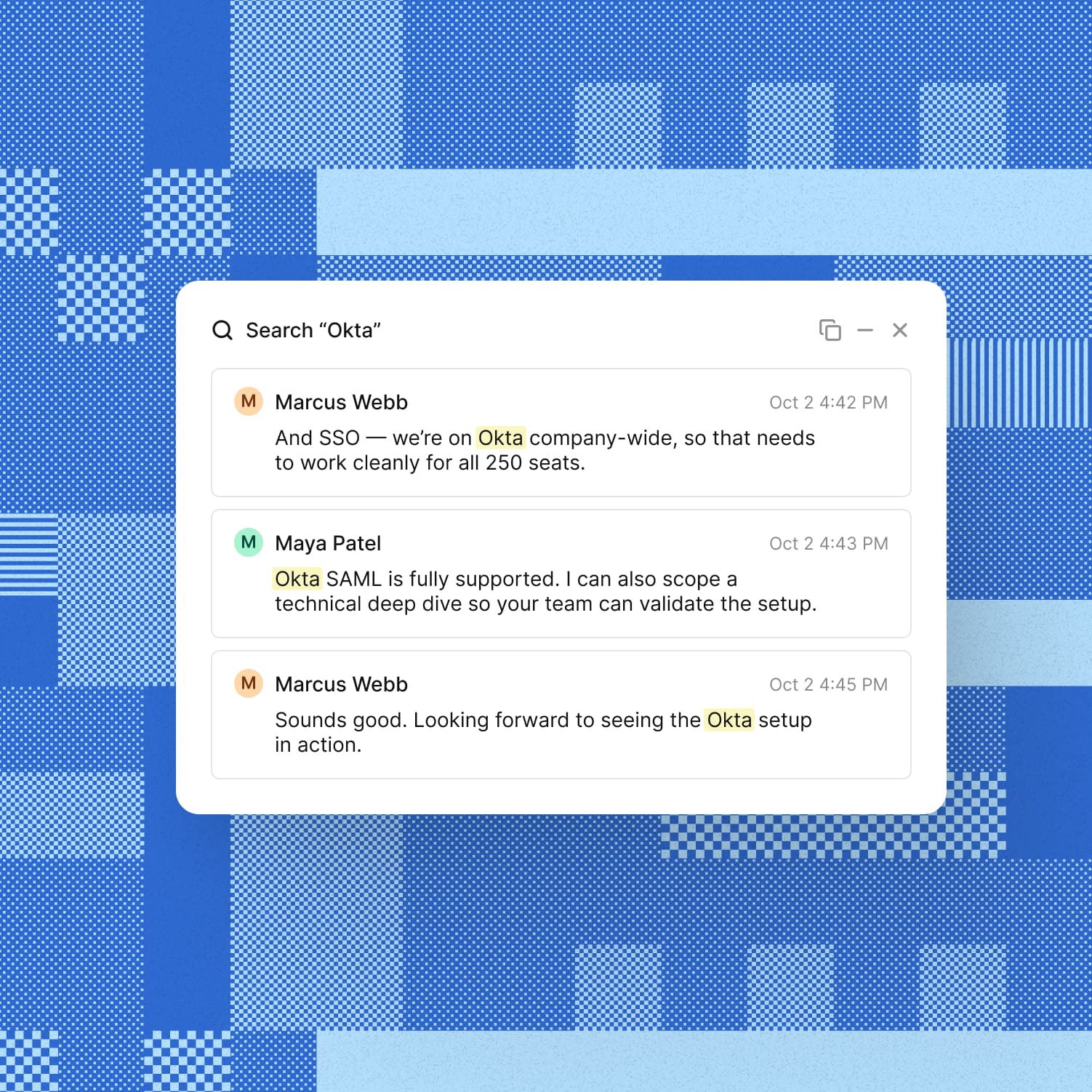
Record from your desktop with no bot in the room. Look up any account question in real time with Ask Reevo.
Next steps, already handled.
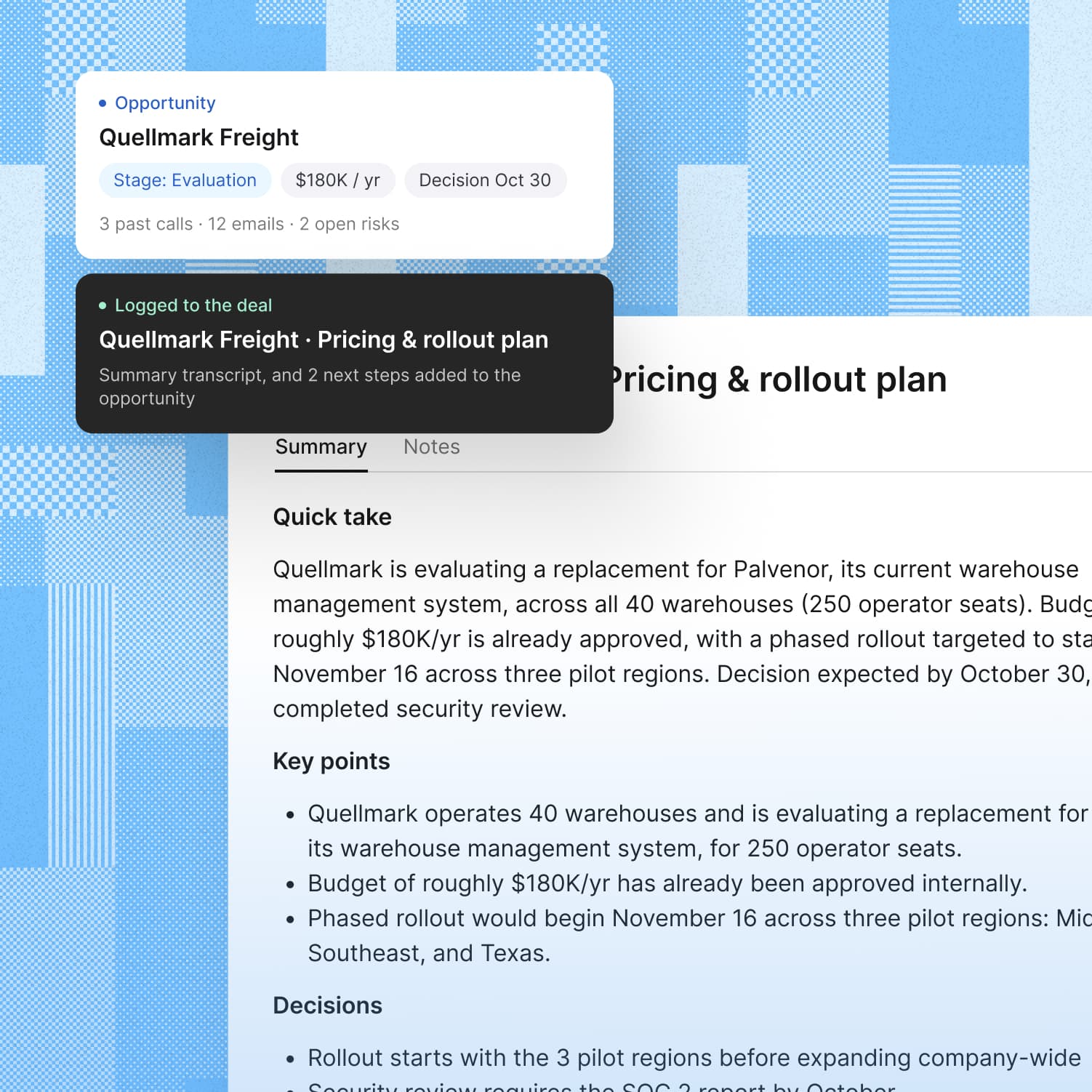
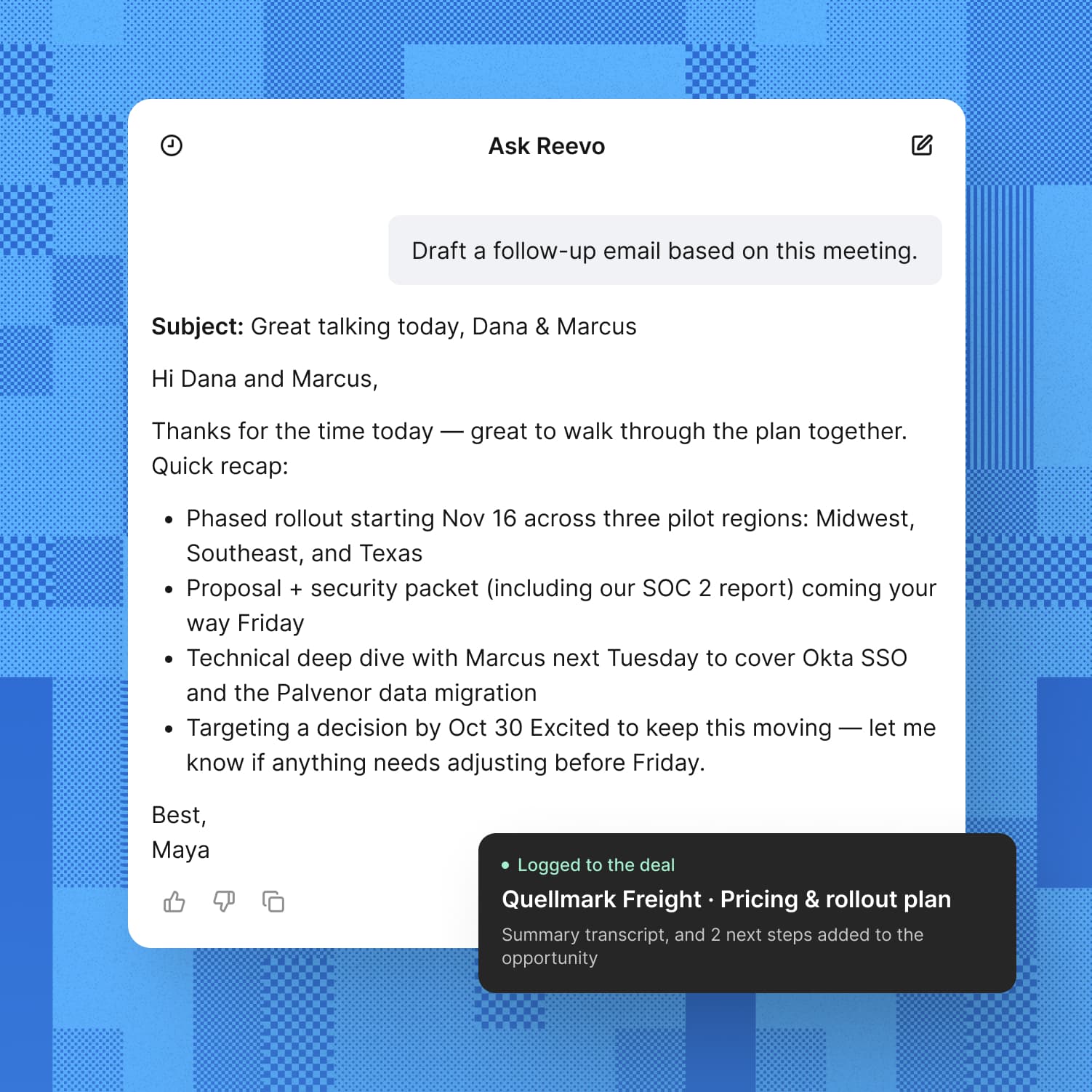
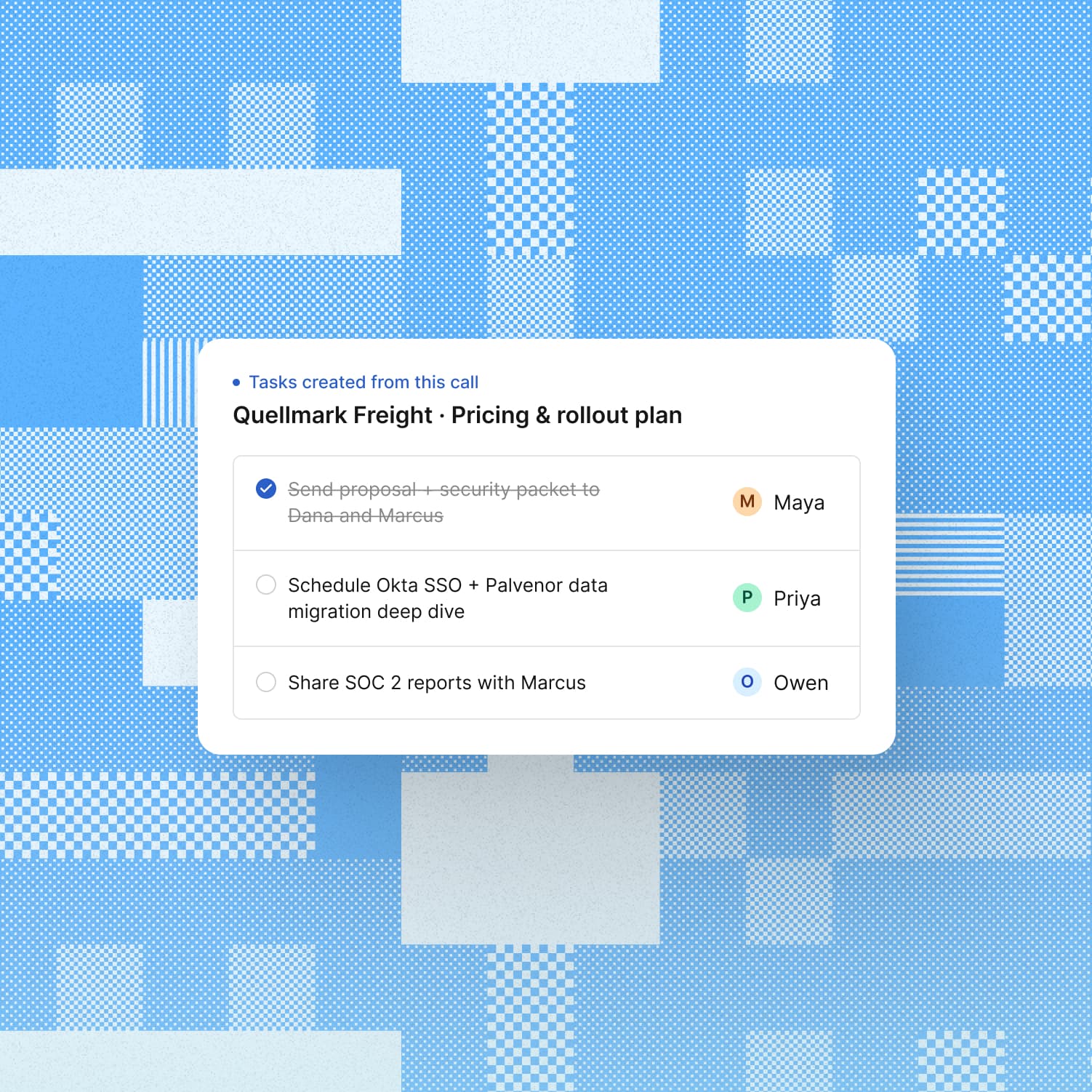
Your call is logged to the deal instantly. Your follow-up email is drafted, action items are sent to their owners, and the deal keeps moving while it's still warm.
Back-to-back calls. Every one on the deal.
Reevo keeps every conversation organized and on the deal it belongs to, so you can stay fully present with each client, even when the meetings stack up.
You open the brief for your 10:00. The deal stage, who's attending, and what they asked for last time are already there, so you walk in focused on them instead of your notes.
The customer references a commitment from last month. Ask Reevo and get the answer from the account's history, without breaking eye contact or the flow of the conversation.
The summary is on the opportunity, action items are assigned, and you send the follow-up Reevo drafted. You walk into your 11:00 with a clear head.


Frequently asked questions
Notetakers give you notes about a meeting. Reevo is your CRM, so it preps you from the deal’s past calls and emails, ties every recording to the account and opportunity, and drafts follow-ups that know where the deal stands. Your notes don’t live in a separate app.
Yes. The Reevo desktop app runs on Mac. It gives you your meetings, recordings, notes, and Ask Reevo with the same data and context as the Reevo web and mobile apps.
No. The desktop app records your computer’s microphone and system audio, so nobody has to admit a bot and the call looks the same to everyone else. If you’d rather send a bot, you can still record with one from a meeting link.
Because Reevo records your computer’s audio, it works with the meeting apps you already use, including Zoom, Google Meet, and Microsoft Teams.
Reevo builds each brief from what’s already on the deal: past meetings and email threads with the account, the people attending, where the opportunity stands, open risks, and suggested talking points.
Before a meeting, it helps you prepare from the account’s history. During the call, it answers questions about what’s been said and what was promised before. Afterward, it summarizes the meeting, turns action items into tasks for their owners, and drafts the follow-up email.
They’re attached to the meeting in Reevo and linked to the related account, contacts, and opportunity, so your team sees them in the same CRM records. You choose whether each meeting is shared with your team or kept private.
Yes. The desktop app is included with a Reevo account at no extra cost. Sign in with the same credentials you use for the web app, and your meetings and records are already there.
Every call. The whole deal. Nothing to write up.
Download the app, record your next meeting, and watch it land on the deal before you hang up.